

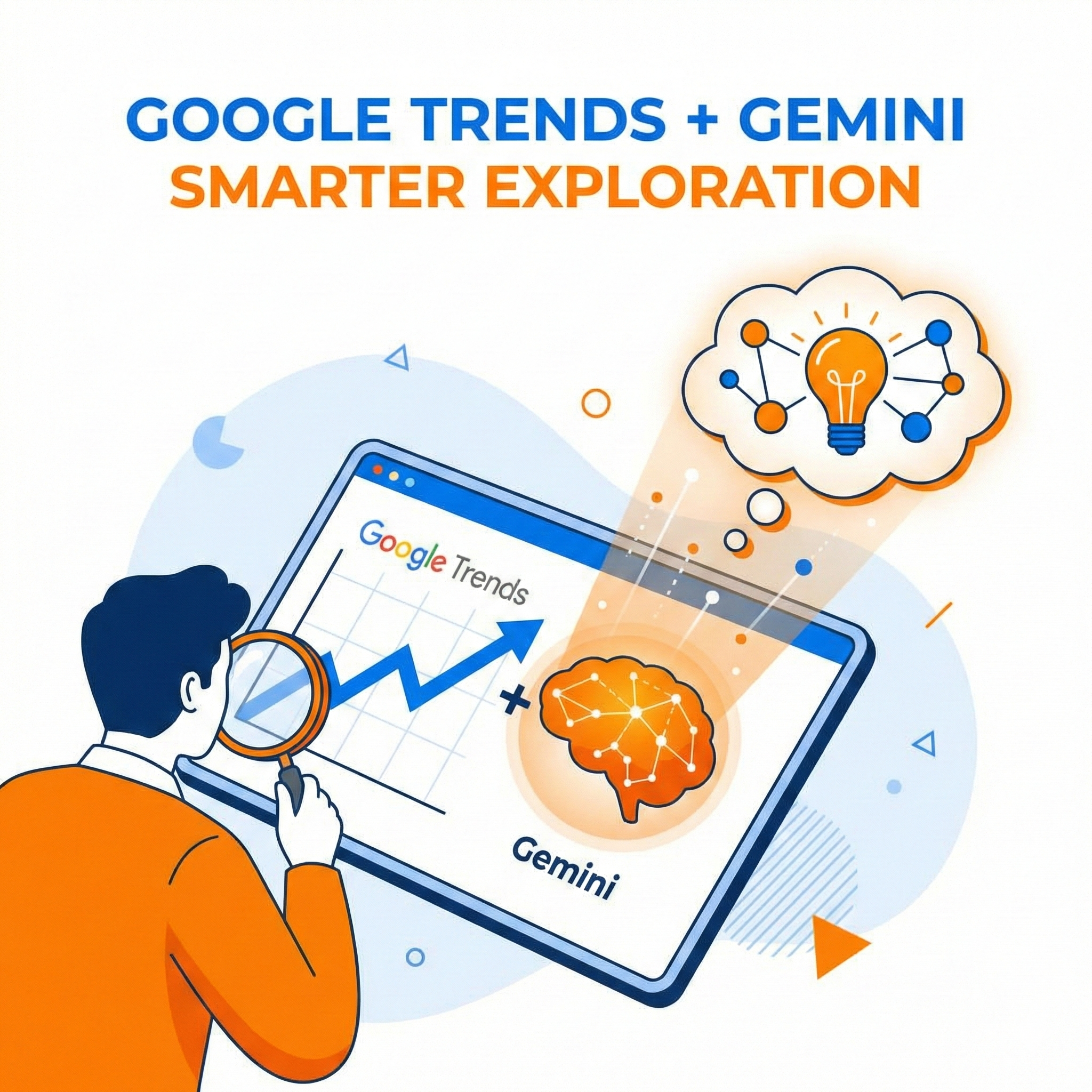
Google has officially begun rolling out a significant update to the Google Trends Explore page, featuring a direct integration of its Gemini AI models. This update is designed to transform how marketers, journalists, and researchers discover and analyze search data, moving from manual trial-and-error to AI-assisted discovery.
Key Features of the Update
1. The Gemini Side Panel & “Suggest Search Terms”
The most visible change is a new side panel powered by Gemini. Users will now see a “Suggest search terms” button.
- How it works: Instead of manually guessing which keywords to compare, you can enter a broad topic or a natural language question (e.g., “vegan desserts”).
- AI Output: Gemini analyzes the input and automatically generates a list of relevant, comparable search terms. It can then plot these terms directly onto the graph for instant comparison.
- Context: The AI also provides “related ideas” to help users uncover angles they might have missed.
2. Visual & Functional Redesign
The Explore page has received a modern visual refresh to handle more complex data:
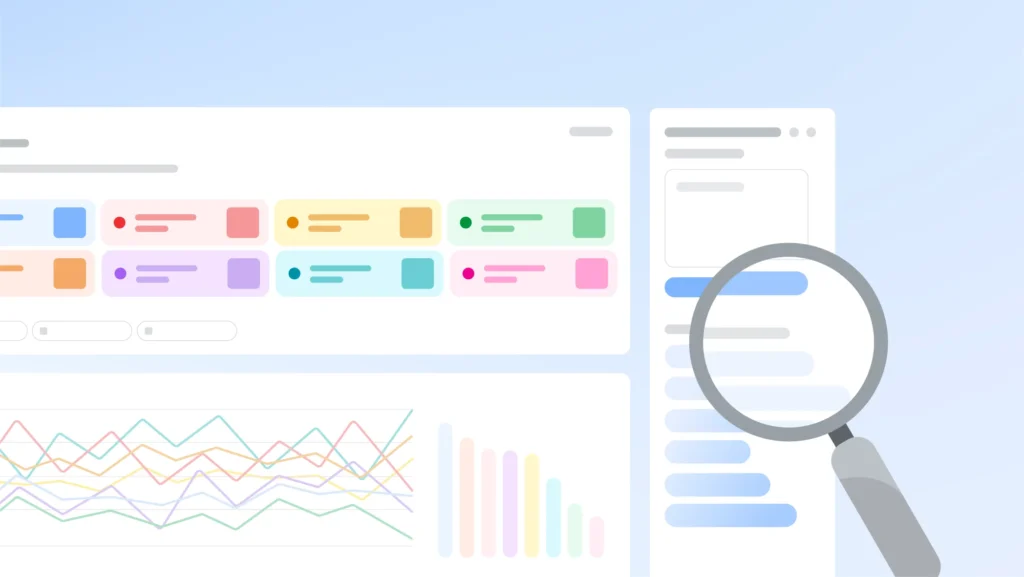
- Dedicated Styling: Each search term now has a unique icon and color, making it easier to track individual lines on the graph when comparing multiple topics.
- Expanded Comparisons: The update increases the number of terms you can compare simultaneously.
- Deeper Insights: The “Rising queries” section now displays double the number of queries, helping users spot breakout trends earlier.
Why It Matters
- For Marketers & SEOs: It reduces the time spent on keyword research by automating the discovery of competitor terms and related niche topics.
- For Journalists: It helps validate story angles faster by quickly surfacing related rising trends and comparable data points without needing deep expertise in the tool.
- Eliminating Guesswork: Previously, users had to know exactly what to search for to get a good comparison. Gemini bridges that gap by suggesting the right terms to compare based on a general intent.
Availability
- Platform: Currently rolling out on Desktop.
- Status: The rollout is gradual; users who do not see it yet should expect it to appear over the coming weeks.
