

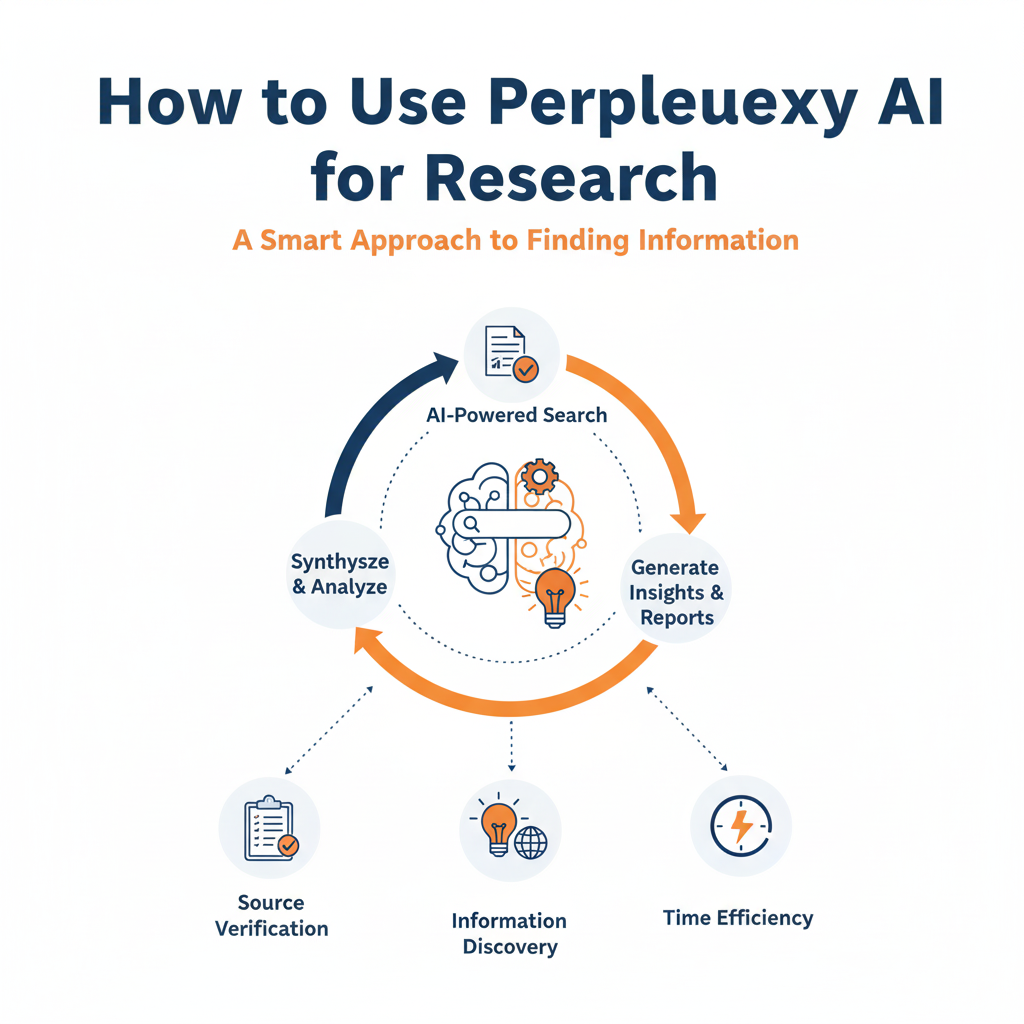
How to use perplexity ai for research
Perplexity AI can run end-to-end research by searching the web in real time, reasoning across many sources, and generating a cited report; use Search or Pro Search for quick answers, Research (Deep Research) for autonomous multi-minute investigations, and Labs for project-style outputs like reports, spreadsheets, and simple apps. As a Perplexity Pro subscriber, unlimited Pro Search, unlimited Research, and Labs access help handle complex topics with source transparency and export options for sharing findings.
Core research modes
Search and Pro Search: Ask precise questions and get multi-source, citation-backed answers; Pro Search conducts deeper multi-source synthesis with model choice and extended reasoning for comprehensive responses.
Research (Deep Research): Auto-runs dozens of searches, reads hundreds of sources, and writes a comprehensive report in 2–4 minutes, with export to PDF or a shareable Page for collaboration.
Labs: A project workspace that researches, writes, executes code, and produces assets like reports, charts, spreadsheets, and lightweight web apps, organizing outputs in an Assets tab.
When to use each
Use Search/Pro Search to verify facts, scan recent developments, or compile quick overviews with citations and follow-ups in thread context.
Use Research for literature-style reviews, market landscapes, policy comparisons, or technical deep-dives that need multi-minute autonomous exploration and synthesis into a full report with sources.
Use Labs when the outcome must be a deliverable—report with charts, a structured spreadsheet, or a simple analysis app—built from research plus code execution in one place.
Step-by-step workflow
Scoping: Start with a focused question and key constraints (timeframe, region, data types) in Pro Search to see current knowledge and refine scope via follow-up prompts in the same thread for continuity.
Deep dive: Switch to Research for the finalized question; let it iterate searches and source reading, then review the generated report’s citations, expanding sections or asking for alternative viewpoints or additional comparisons.
Deliverables: Open a Labs project to convert findings into artifacts—ask it to ingest the Research output, extract key tables, run simple analysis code, and generate charts or an executive summary, all saved under Assets.
Power tips
Focus modes: Narrow evidence sources with Academic Focus for peer‑reviewed material, or pivot to Social/Video when sentiment or explainers matter; switch from default Web Focus via the Focus button.
Model selection: In Pro Search, pick the “Best” default or switch to specific advanced models for style or task fit while maintaining cited outputs for verifiability.
Exports and sharing: Publish Research reports as PDFs or Perplexity Pages for collaborators, then iterate with targeted follow-up questions in the same thread to preserve context.
Example research playbook
Market scan: Pro Search “2025 competitive landscape for X in APAC,” follow up with “pricing tiers table” and “regulatory risks,” then launch Research for a synthesized report and export to a Page.
Literature review: Use Academic Focus for “latest RCTs on Y,” then run Research for a structured review; move to Labs to compile summary tables and effect-size charts with code-backed calculations.
Data-backed brief: Pro Search for recent datasets and definitions, then Labs to load data, compute metrics, and generate a one-pager with charts and a downloadable spreadsheet in Assets.
Why it’s effective
Real-time sources with transparent citations reduce hallucinations and speed verification for professional use cases, while multi-turn context supports iterative scoping and refinement.
Research mode’s autonomous planning and report writing compress hours into minutes, and Labs unifies research, analysis, and asset creation without switching tools.
Pro-specific benefits
Unlimited Pro Search for complex questions; unlimited Research for deep investigations; Labs access for integrated research-to-asset workflows—all prioritized for Pro users.
Organized outputs: Research exports and Labs’ Assets tab keep reports, charts, code, and files centralized for easy reuse and sharing across projects.
Quick start checklist
Choose mode: Pro Search for scoped queries; Research for multi-minute deep dives; Labs for deliverables.
Set Focus: Academic for scholarly sources; Web/Social/Video depending on evidence needs; adjust during follow-ups.
Demand citations: Review and open sources directly; ask for alternative viewpoints or limitations to stress‑test results.
Export and build: Export Research to PDF/Page; in Labs, generate charts, tables, and a final brief stored in Assets.
If help is needed on a live project, Deep Research and Labs can be orchestrated together to produce a cited report plus a data-backed brief with charts in one workflow.

Author