
How to Measure AI Traffic in GA4 and GSC
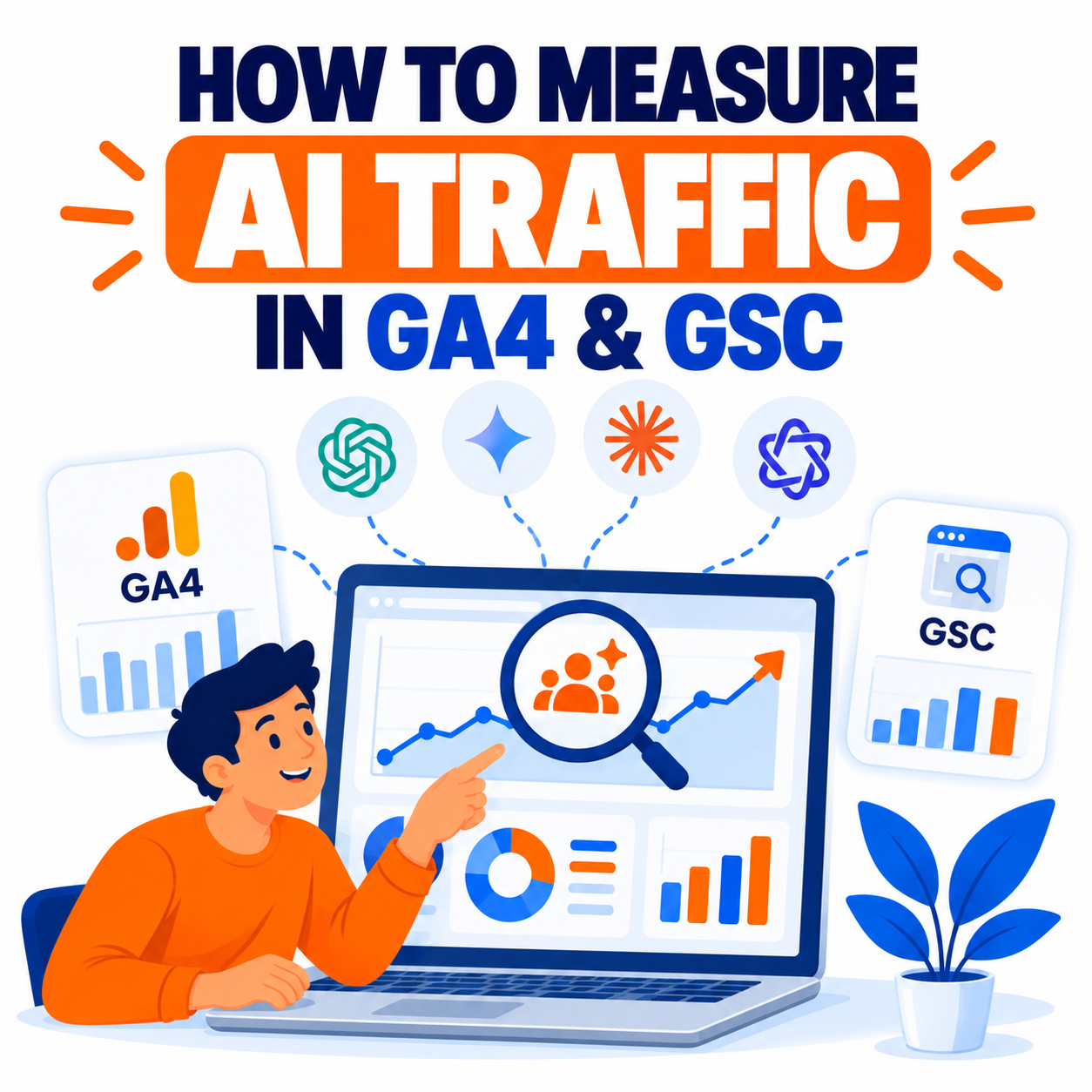
AI-generated answers and assistants (ChatGPT, Perplexity, Google AI Overviews / AI Mode, Gemini, Claude, Microsoft Copilot, Grok, and others) are becoming meaningful sources of discovery and referral traffic. Measuring this traffic accurately is essential for understanding visibility, content performance, and conversion impact—but it is more complex than traditional organic or referral tracking.
Google Analytics 4 (GA4) and Google Search Console (GSC) together provide the core free toolkit. GA4 captures click-through sessions when a user follows a link from an AI interface. GSC provides visibility data (especially for Google’s own AI surfaces). Neither tool captures every mention or zero-click exposure, and some AI traffic arrives without clean referrers. A complete measurement approach therefore combines native reports, custom channel groups or filters, explorations, Search Console AI-related reports, and realistic expectations about what can and cannot be measured.
This guide explains what AI traffic looks like in each platform, step-by-step setup for GA4, how to use GSC for AI visibility, limitations, advanced techniques, and a practical reporting framework.
Understanding the Two Layers of AI Measurement
1. Visibility / Presence (mostly GSC + manual or third-party checks)
How often your content appears or is cited inside AI-generated answers. This includes impressions in Google AI Overviews or AI Mode and citations in external assistants.
2. Referral / Click Traffic (primarily GA4)
Sessions that arrive on your site because a user clicked a link inside an AI answer or interface. These are the visits you can attribute, analyze for engagement, and connect to conversions.
GA4 measures the second layer (actual visits). GSC helps with the first layer for Google’s surfaces and with overall search performance that may be influenced by AI features. Zero-click exposures and many mobile-app or stripped-referrer visits remain partially or fully invisible in standard analytics.
Measuring AI Traffic in Google Analytics 4 (GA4)
Native AI Assistant Channel (Available Since May 2026)
Google added an AI Assistant (or AI Assistants) channel to the default channel group. When GA4 recognizes a referrer from its internal list of AI assistants, it typically assigns the medium ai-assistant and groups the session under this channel.
How to view it:
- Go to Reports → Acquisition → Traffic acquisition.
- Ensure the primary dimension is Session default channel group.
- Look for the row labeled AI Assistant (or similar).
- Add Session source / medium as a secondary dimension to break out individual platforms (e.g., chatgpt.com, gemini.google.com).
Google’s documented examples have included ChatGPT, Gemini, Claude, Copilot, Grok, and DeepSeek at various points. The exact list is not fully public and can change, so always verify in your own property.
Checking Individual AI Sources Directly
Even with the native channel, inspect raw sources:
- In Traffic acquisition, change the primary dimension to Session source or Session source / medium.
- Search or filter for known domains such as:
- chatgpt.com / chat.openai.com
- perplexity.ai
- gemini.google.com
- claude.ai
- copilot.microsoft.com
- grok.com or related xAI domains
- Others as they appear (you.com, deepseek, etc.)
Common patterns you may see:
- chatgpt.com / referral or chatgpt.com / ai-assistant
- perplexity.ai / referral
- gemini.google.com / referral
Some traffic (especially from mobile apps or when referrers are stripped) lands in Direct or Unassigned. This is a known limitation.
Building a Custom Channel Group for Complete AI Coverage
The native channel is helpful but incomplete. Create a custom channel group to capture additional sources and keep AI traffic cleanly separated.
Steps:
- Go to Admin → Data display → Channel groups.
- Create a new channel group (or copy the default and modify). Name it clearly (e.g., “Channels with AI”).
- Add a new channel named AI Traffic or AI Assistants.
- Set conditions (use OR logic where needed):
- Session medium exactly matches ai-assistant (to inherit Google’s native classification).
- Session source matches regex (example starter pattern—review and update periodically):text
chatgpt\.com|chat\.openai\.com|perplexity\.ai|claude\.ai|gemini\.google\.com|copilot\.microsoft\.com|grok\.com|deepseek\.com|you\.com|mistral\.ai
- Critical: Reorder the channels so your AI channel sits above the standard Referral channel. GA4 evaluates rules top-down; if Referral comes first, it will claim the sessions.
- Save the group. You can now select this channel group in reports and explorations.
This custom group works retroactively on historical data within GA4’s retention settings and gives you a stable, reportable AI traffic segment.
Creating Explorations for Deeper Analysis
Use Explore → Free form to answer practical questions:
- Which landing pages receive the most AI referral sessions?
- How does engagement rate, average engagement time, or key event rate for AI traffic compare with Organic Search or Referral?
- Which AI sources convert best?
Suggested setup:
- Dimensions: Session source / medium, Landing page + query string, Session default channel group (or your custom group).
- Metrics: Sessions, Engaged sessions, Engagement rate, Key events, Event count, Total revenue (if applicable).
- Filter: Session source matches the AI regex, or use your custom AI channel.
Save the exploration and revisit it regularly.
Additional GA4 Tips
- Compare date ranges to spot growth trends in AI-referred sessions.
- Segment by device (mobile AI apps often strip referrers more aggressively).
- Monitor whether AI traffic triggers your key events or conversions at higher or lower rates than other channels.
- If you use BigQuery export, you can run more advanced queries on referrer data and historical trends beyond standard UI retention.
- UTM parameters on links you control (e.g., in content you know is being cited) can improve attribution when the AI preserves them.
Measuring AI Visibility and Traffic Influence in Google Search Console (GSC)
Google Search Console has expanded reporting around generative AI features.
Search Generative AI / AI-Related Performance Reports
Google introduced Search Generative AI performance reports (around mid-2026) that surface impressions related to AI Overviews, AI Mode, and certain generative features in Discover. These reports typically provide:
- Impressions (how often your pages appeared in the AI feature)
- Breakdowns by page, country, device, and date
Important limitations:
- These reports emphasize impressions more than granular click data in many descriptions.
- Clicks from AI Overviews or AI Mode that lead to your site are generally counted within overall web search performance and often appear as normal Google organic traffic in both GSC and GA4. There is frequently no clean, permanent separation of “AI Overview click” versus “classic blue-link click” in the main Performance report.
Practical Ways to Use GSC for AI Insights
- Performance report + filters
Examine queries and pages with high impressions but unusually low CTR, especially informational queries where AI Overviews commonly appear. Rising impressions + declining CTR can signal zero-click AI impact. - Search appearance filters
Where available, use any AI Mode, AI Overviews, or generative appearance filters to isolate related impressions and (if provided) clicks. - Page-level analysis
Identify which URLs receive generative AI impressions. These are strong candidates for content optimization aimed at AI citation and traditional ranking. - Compare periods
Look at changes in impressions, clicks, and CTR around known AI feature rollouts or algorithm updates. - Cross-reference with GA4
Pages that show strong generative AI impressions in GSC and also receive AI-referred or organic sessions in GA4 deserve priority for content and technical optimization.
GSC remains the best free source for understanding presence inside Google’s own AI surfaces. It does not report citations or traffic from ChatGPT, Perplexity, Claude, or other external assistants.
Limitations and Blind Spots You Must Account For
- Not all AI mentions generate trackable clicks. Many users read the AI answer and never click through.
- Referrer stripping is common, especially on mobile apps, causing traffic to appear as Direct.
- Google AI Overviews / AI Mode clicks usually blend into standard Google organic traffic in GA4.
- Native AI Assistant channel does not cover every platform (Perplexity and others frequently need custom rules).
- Historical data before the native channel launch sits under Referral or other groups.
- Volume is still often modest compared with classic organic search for many sites; focus on quality (engagement and conversion) as much as quantity.
- Server-side AI crawlers (GPTBot, PerplexityBot, etc.) are invisible to GA4 (client-side JavaScript). Check server logs separately if you need to confirm crawl access.
Treat reported AI referral numbers as a measurable floor rather than the complete picture of AI-driven influence.
Recommended Measurement Framework
Weekly / Bi-weekly:
- GA4: AI Assistant channel volume + custom AI channel sessions, top landing pages, engagement rate, key events.
- GSC: Generative AI impressions (where available), notable changes in impressions vs. CTR on key pages/queries.
Monthly:
- Trend comparison of AI-referred sessions versus prior periods.
- Conversion rate and revenue (or goal completions) from AI sources versus Organic and Referral.
- Top content receiving AI traffic or generative impressions.
- Manual or tool-assisted citation checks for priority prompts (optional but valuable for strategy).
Ongoing:
- Maintain and periodically update your AI source regex.
- Ensure the custom AI channel remains above Referral in rule order.
- Annotate major AI feature launches or algorithm updates in your reporting.
Advanced and Complementary Approaches
- Export GA4 data to BigQuery for longer retention and custom referrer analysis.
- Use Google Tag Manager to capture document.referrer more robustly where possible.
- Combine with brand-mention or AI-citation monitoring tools for presence data beyond Google.
- Analyze landing-page performance specifically for AI visitors (content depth, answers to questions, structured data, clarity).
- Track assisted conversions and multi-touch influence if AI traffic tends to appear early in the journey.
Practical Implementation Checklist
GA4
- Confirm AI Assistant channel appears in Traffic acquisition.
- Inspect Session source / medium for chatgpt, perplexity, gemini, claude, copilot, etc.
- Create custom channel group with AI rule + regex.
- Place AI channel above Referral.
- Build and save an Exploration for AI landing pages and conversions.
- Set a recurring review cadence.
GSC
- Explore any Search Generative AI or AI-related performance reports.
- Monitor high-impression, lower-CTR queries and pages.
- Cross-check top generative-impression pages against GA4 behavior.
- Document period-over-period changes.
Governance
- Document your regex and channel definitions.
- Review the list of AI domains quarterly.
- Align reporting language (“AI-referred sessions” vs. “AI visibility impressions”) so stakeholders understand the difference.
Conclusion
Measuring AI traffic in GA4 and GSC requires a layered approach. In GA4, start with the native AI Assistant channel, enrich it with a carefully ordered custom channel group and regex covering major AI domains, and use Explorations to understand landing pages and conversion quality. In GSC, leverage generative AI performance reports for impressions on Google’s AI surfaces and watch for impression/CTR patterns that suggest zero-click impact.
No current setup captures every AI-driven visit or every citation. Referrer stripping, blended organic clicks from AI Overviews, and zero-click answers create permanent blind spots. The goal is therefore not perfect attribution but consistent, directional measurement that reveals growth trends, high-performing content, and conversion contribution from AI sources.
Implement the native and custom GA4 reporting, pair it with GSC generative insights, review the data on a fixed schedule, and continuously refine your source list as new AI platforms and domains emerge. This disciplined approach turns the growing influence of AI search and assistants into measurable, actionable intelligence rather than an invisible traffic source.

Author