
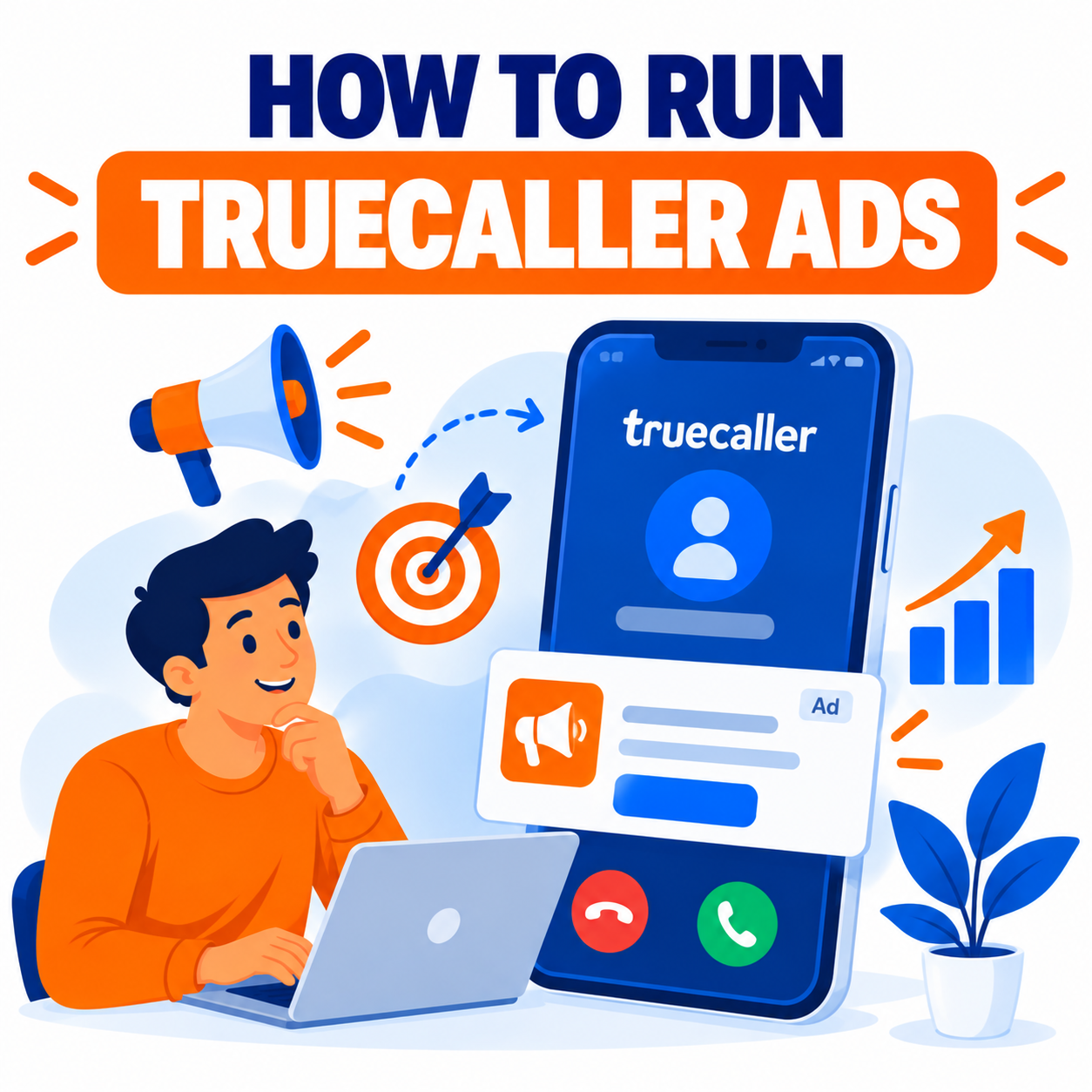
Truecaller is one of the world’s largest caller ID, spam-blocking, and communication platforms, with hundreds of millions of monthly active users and billions of daily interactions. Its advertising ecosystem—Truecaller Ads—gives brands access to high-attention moments inside the app, including caller ID screens, post-call experiences, search results, and other native placements. Because users open Truecaller with clear intent (identifying callers, checking spam, searching numbers), the environment often delivers strong viewability and engagement compared with many general mobile feeds.
Truecaller supports both self-serve campaigns through its Ads Manager and larger direct or managed brand solutions. The platform has expanded beyond simple banners into interactive formats, video-led experiences, commerce features, and intent-signal products. This guide explains how Truecaller Ads work, the main formats available, how to set up and run campaigns, targeting options, creative best practices, measurement, and strategic recommendations for advertisers.
Why Advertise on Truecaller?
- Massive, engaged mobile audience concentrated in key growth markets (particularly India, Middle East, Africa, and expanding globally).
- High-attention inventory tied to real communication moments (incoming calls, caller identification, search).
- First-party data and contextual signals that support relevant targeting while operating within privacy constraints.
- Mix of awareness, consideration, and increasingly performance/commerce-oriented formats.
- Relatively fast campaign setup via self-serve tools, with the potential for campaigns to begin delivering in roughly 48 hours after booking in many cases.
- Unique placements (such as Masthead on the caller ID screen) that are difficult to replicate elsewhere.
Truecaller is especially relevant for brands targeting mobile-first consumers in markets where the app has strong penetration, and for categories that benefit from trust, utility, or timely relevance (finance, e-commerce, telecom, consumer brands, apps, education, automotive, and more).
Main Ways to Buy Truecaller Ads
1. Self-Serve Ads Manager
Available at adsmanager.truecaller.com. Advertisers can create accounts, select placements, set targeting, upload or design creatives, define budgets and schedules, and manage campaigns with reporting and controls. This route suits small-to-medium advertisers and those wanting direct control and faster iteration.
2. Direct / Brand Solutions and Managed Campaigns
For larger budgets, premium formats (Roadblock, Masthead takeovers, custom interactive experiences), or specialized products, brands typically work with Truecaller’s sales or solutions teams. These often include enhanced creative support, custom integrations, and priority access to newer products.
3. Emerging and Specialized Products
Truecaller continues to launch new capabilities such as interactive suites (Truecaller Play), intent and preference signals (Truecaller Pulse), and commerce-oriented experiences (including Call-to-Cart style solutions). Availability and access levels vary by market and advertiser tier.
Key Ad Formats and Placements
Truecaller’s inventory has evolved significantly:
- Standard / Native / Banner placements — Display units within the app experience. Self-serve flows commonly start with selecting available banner or native placements.
- Masthead — High-impact format that places branded content on the caller ID screen during incoming calls. Offers strong share of voice and viewability in a moment of focused attention. Often sold with flexible duration options (day, week, etc.).
- Roadblock-style campaigns — Broader inventory takeovers or multi-placement dominance for maximum visibility.
- Truecaller Play — Interactive, video-first, and rich media suite designed for more immersive brand experiences that integrate into the app.
- Commerce and conversion surfaces — Solutions that move users from discovery toward actions such as product interest or checkout-style flows (e.g., Call-to-Cart concepts).
- Intent and preference products (e.g., Truecaller Pulse) — Interactive experiences that capture declared preferences or purchase intent and convert those signals into activatable audiences.
Exact format availability, creative specifications, and buying options depend on the market, account type, and current product roadmap. Always confirm the latest specs inside Ads Manager or with your Truecaller representative.
Step-by-Step: How to Run a Campaign via Self-Serve Ads Manager
The self-serve process is designed to be straightforward:
-
Create an account
Go to the Truecaller Ads Manager site and sign up for a free advertiser account. Complete required business and payment details. Payments are typically handled through established processors. -
Select a placement
Choose from the available banner or placement options shown in the interface. Different placements serve different objectives (awareness vs. engagement). -
Define targeting
Common options include:- Geographic location (country, region, city-level where available)
- Age and gender
- Interest or category signals
- Device / OS and carrier information in some markets
- Additional contextual or first-party based segments as the platform evolves
More precise targeting generally requires longer flight times to gather sufficient delivery, while broader targeting can scale faster.
-
Create the ad
Upload your own creative assets or use available templates. Follow the platform’s size, format, file type, and text guidelines. Strong, clear creatives with a compelling call-to-action perform better. -
Set budget, schedule, and goals
Define daily or total budget, start and end dates, and any pacing preferences. Pricing is frequently impression-based (CPM), though specific models can vary by format and buying type. Start with test budgets to learn delivery and performance before scaling. -
Review, submit, and launch
Preview the campaign, submit for any required moderation or review, and activate. Campaigns can often begin showing within approximately 48 hours after successful booking. -
Monitor and optimize
Use the dashboard for statistics on impressions, clicks, and other available metrics. Adjust targeting, pause underperforming creatives, test new variants (A/B testing is supported), and refine budgets. Set up automated email reports for ongoing visibility.
For premium or custom formats, the process usually involves briefing Truecaller’s team, creative collaboration, trafficking, and more detailed measurement setups.
Targeting and Audience Capabilities
Truecaller leverages its first-party understanding of users within the communication context. Targeting typically combines:
- Demographic and geographic filters
- Category / interest signals
- Device and connectivity attributes
- Behavioral or contextual signals tied to app usage
- Newer declared-intent and preference audiences from interactive products
Privacy and user trust remain central to the platform’s positioning, so targeting operates within those constraints. The most effective campaigns align creative and offer with the moments and mindsets users are in while using Truecaller.
Creative Best Practices
- Design for mobile and the specific placement (especially important for caller ID / Masthead units).
- Keep messaging clear and concise—users are often in a task-oriented state.
- Use strong visual hierarchy and a single primary call-to-action.
- Ensure brand elements are instantly recognizable.
- For interactive or video formats, prioritize fast loading and seamless integration with the app experience.
- Test multiple creative variants; the platform supports A/B approaches.
- Match the tone to the utility and trust-oriented nature of Truecaller (overly aggressive or misleading creatives tend to underperform and risk policy issues).
Measurement, Reporting, and Optimization
Self-serve accounts provide campaign statistics and the ability to schedule automated reports. Larger or managed campaigns may include richer reporting, viewability data, and custom analytics.
Key optimization levers include:
- Creative rotation and testing
- Audience refinement
- Placement mix
- Budget pacing and flight length
- Landing page or post-click experience quality (where traffic is driven off-platform)
Track both platform metrics and downstream business results (site visits, leads, app installs, sales) using your own analytics and any available tracking parameters or integrations.
Strategic Recommendations by Objective
- Awareness / Reach — Favor high-visibility formats such as Masthead or Roadblock-style buys, broader targeting, and strong branding.
- Consideration / Engagement — Use interactive or video-led formats (Play suite) and more refined audience signals.
- Performance / Response — Combine precise targeting, clear offers, strong CTAs, and (where available) commerce or intent-driven products. Ensure post-click experiences are optimized.
- Local or regional campaigns — Leverage geographic and carrier targeting common in many Truecaller markets.
- Always-on vs. burst — Self-serve suits testing and continuous presence; premium formats often work well for launches, festivals, or time-bound promotions.
Practical Tips and Common Considerations
- Start with clear objectives and a test-and-learn budget.
- Confirm current creative specifications, policies, and available inventory for your target markets.
- Allow sufficient flight time, especially with narrower targeting.
- Maintain brand safety and policy compliance—Truecaller emphasizes trust and utility.
- Coordinate Truecaller activity with your broader media mix rather than treating it in isolation.
- For larger or complex needs, engage Truecaller’s sales or solutions team early for format recommendations, creative support, and packaging.
- Stay updated on new products (interactive suites, intent signals, commerce features), as the platform continues to expand its offerings.
Limitations and Realistic Expectations
- Inventory and format availability vary by country and over time.
- Self-serve options are more limited than full managed or premium packages.
- Performance depends heavily on creative quality, offer relevance, targeting precision, and landing experience.
- As with any mobile environment, ad fatigue and user ad preferences can affect results; testing and rotation help.
- Measurement depth may differ between self-serve and direct campaigns.
Getting Started Checklist
- Define campaign objective, target markets, and budget.
- Visit adsmanager.truecaller.com (or contact Truecaller Ads for brand solutions).
- Create and verify your advertiser account.
- Review available placements and creative requirements.
- Prepare compliant creatives and clear offers.
- Set targeting, budget, and schedule.
- Launch a test campaign, monitor delivery and engagement, then optimize and scale.
- For advanced formats or larger investments, request a consultation with the Truecaller Ads team.
Conclusion
Running Truecaller Ads gives brands access to a large, mobile-first audience at moments of genuine attention inside a utility-driven app. The combination of self-serve simplicity for standard campaigns and premium high-impact formats (Masthead, interactive Play experiences, intent products, and commerce surfaces) makes the platform flexible for different objectives and budget levels.
Success comes from matching the right format and targeting to your goal, creating clear and relevant creatives, starting with disciplined tests, and continuously optimizing based on performance data. Because Truecaller continues to evolve its advertising products and architecture, the most effective advertisers stay close to the latest placement options, creative specs, and audience capabilities.
Begin with the self-serve Ads Manager for straightforward campaigns, or engage Truecaller’s team for premium and custom solutions. With thoughtful setup and ongoing refinement, Truecaller can become a distinctive and high-attention component of a modern mobile advertising strategy.

Author