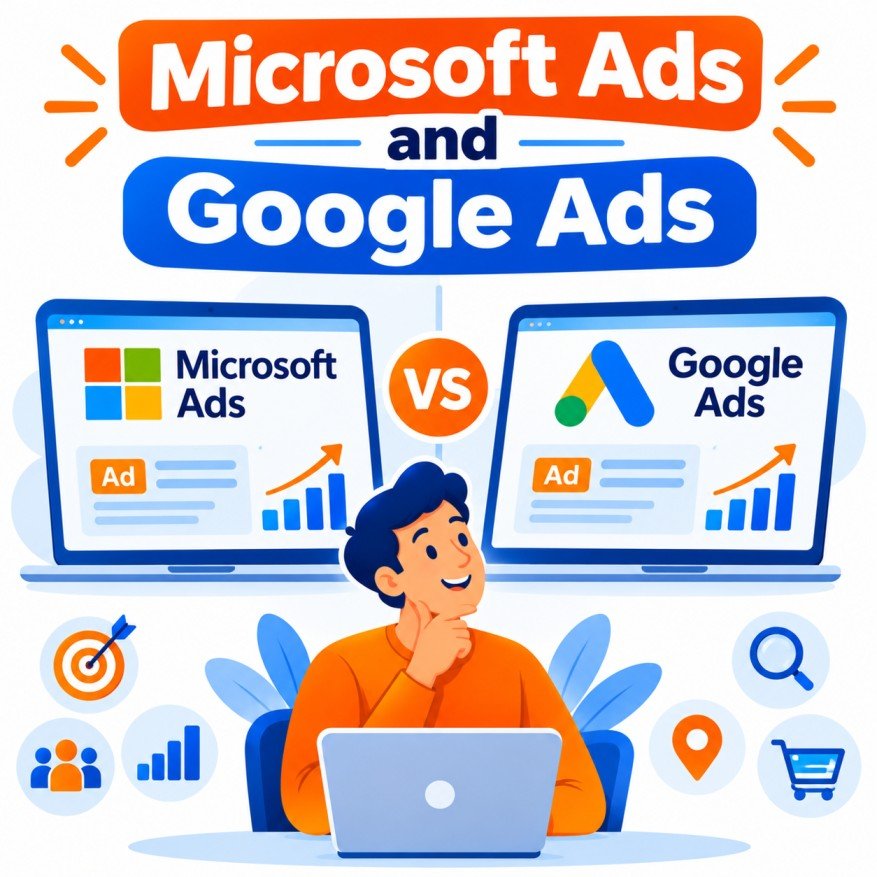
Microsoft Advertising (formerly Bing Ads) and Google Ads are the two largest search advertising platforms. They share the same fundamental model—keyword-based auctions, pay-per-click billing, and similar campaign types—but differ significantly in scale, audience composition, unique features, and typical costs. Understanding both the overlaps and the distinctions helps advertisers decide when to use one, the other, or both.
Core Similarities
Both platforms operate on nearly identical principles and offer largely parallel tools:
- Auction-based pricing — Advertisers bid on keywords; the actual cost depends on competition, Quality Score (or equivalent), and ad relevance.
- Main campaign types — Search, Shopping, Performance Max (or equivalent automated campaigns), Audience/Display, and Dynamic Search Ads.
- Ad formats — Responsive Search Ads (multiple headlines and descriptions), expanded text-style ads, Shopping product ads, and various extensions (sitelinks, callouts, structured snippets, call extensions, etc.).
- Targeting options — Keywords (exact, phrase, broad), location, device, schedule, demographics, remarketing lists, in-market and similar audiences, and customer match.
- Bidding strategies — Manual CPC, Enhanced CPC, Maximize Clicks, Maximize Conversions, Target CPA, Target ROAS, and Target Impression Share.
- Conversion tracking — Both support goal tracking, though they use different tags (Google tag / GA4 vs. Microsoft Universal Event Tracking – UET).
- Import capability — Microsoft Ads allows direct import of Google Ads campaigns, making it easy to replicate structure, keywords, and ads.
- Quality and relevance systems — Both reward relevant ads and landing pages with better ad rank and lower costs.
- AI-assisted features — Both have expanded AI tools for creative suggestions, bidding, and campaign optimization (Google’s AI Max / Performance Max ecosystem and Microsoft’s Copilot-assisted tools).
In short, the day-to-day mechanics of building, optimizing, and measuring search campaigns feel very familiar when moving from one platform to the other.
Key Differences
| Aspect |
Google Ads |
Microsoft Ads |
Practical Implication |
| Search market share |
~90–92% global (all devices) |
~4–5% global; significantly higher on US desktop (~15–19%) |
Google = volume; Microsoft = incremental + desktop |
| Typical CPC |
Higher due to intense competition |
Commonly 30–50% lower (sometimes more in competitive verticals) |
Microsoft often more efficient on cost-per-click |
| Audience profile |
Broad, younger-leaning, mobile-heavy |
Older, higher-income, more educated, more desktop / Windows / Edge users |
Microsoft stronger for B2B and high-consideration purchases |
| Unique targeting |
Rich first-party Google signals, YouTube, etc. |
LinkedIn profile targeting (company, industry, job function, seniority) |
Microsoft has a clear B2B edge |
| Partner / placement network |
Google Search partners, YouTube, Display, Gmail, Maps, Discover |
Bing, Yahoo, AOL, DuckDuckGo, Ecosia + Microsoft Audience Network (MSN, Edge, Outlook, etc.) + Copilot |
Different inventory and AI surfaces |
| AI search surfaces |
AI Overviews / AI Mode |
Microsoft Copilot |
Ads can appear in both ecosystems |
| Shopping / Performance Max scale |
Large but with product limits per asset group |
Often allows far more products per asset group |
Advantage for large catalogs on Microsoft |
| Tracking tag |
Google tag + GA4 |
UET tag |
Must install both for dual-platform measurement |
| Campaign import |
Source platform |
Can import from Google (and keep syncing) |
Easy expansion path from Google to Microsoft |
1. Scale and Reach
Google dominates global search volume. Microsoft’s share is much smaller overall but meaningfully larger on desktop in key markets (especially the United States). This means Google delivers far more impressions and clicks; Microsoft delivers incremental volume that many competitors ignore.
2. Cost Efficiency
Because fewer advertisers compete on Microsoft’s network, cost-per-click is consistently lower—often 30–50% cheaper for the same keywords, with even larger gaps in high-CPC industries (legal, finance, B2B services, home services). Lower CPC does not automatically mean lower cost-per-acquisition; conversion rates must be monitored. In many accounts, however, the efficiency advantage holds.
3. Audience Differences
Microsoft’s user base tends to skew older, more affluent, and more likely to search from desktop or work environments. This demographic profile frequently produces higher-quality leads for B2B, professional services, finance, and considered consumer purchases. Google reaches a broader and generally younger, more mobile audience.
4. LinkedIn Targeting (Microsoft’s Standout Feature)
Microsoft owns LinkedIn and allows advertisers to layer professional attributes—company, industry, job function, and seniority—directly onto search campaigns. Google has no equivalent. For B2B advertisers this is often the single strongest reason to run Microsoft Ads.
5. Inventory and AI Placements
- Google: Search + Search partners, YouTube, Display Network, Gmail, Maps, Discover, and AI Overviews.
- Microsoft: Bing and search partners, Microsoft Audience Network, Edge, Outlook, MSN, and Copilot.
Both platforms now surface ads in generative AI experiences, but the environments differ.
6. Tools and Ecosystem
Google’s ecosystem (Analytics, YouTube, Merchant Center, Tag Manager) is deeper and more mature for many advertisers. Microsoft offers tighter integration with LinkedIn, Windows, Edge, and Microsoft 365 environments, plus straightforward campaign import from Google.
When to Use Each Platform
Start with (or prioritize) Google Ads when:
- You need maximum search volume
- Your audience is broad or mobile-heavy
- You are still validating offers, creatives, or product-market fit
- You rely heavily on YouTube or Google Display
Add or emphasize Microsoft Ads when:
- Google campaigns are already profitable and you want incremental reach
- You sell B2B or high-ticket services/products
- Your buyers skew older, higher-income, or desktop-oriented
- You want to exploit LinkedIn professional targeting
- You operate in high-CPC verticals where Microsoft’s lower competition produces better efficiency
- You have a large product catalog and can benefit from Microsoft’s Shopping/Performance Max capacity
Most mature advertisers run both. A common efficient split is 70–85% of search budget on Google and 15–30% on Microsoft, with Microsoft managed deliberately rather than as a pure import-and-forget channel.
Practical Recommendations
- Ensure solid conversion tracking on both platforms (Google tag + UET).
- Import Google campaigns into Microsoft as a starting point, then refine bids, negatives, and LinkedIn layering.
- Compare cost-per-conversion and lead/customer quality, not just CPC or ROAS in isolation.
- Segment performance by device and audience—desktop and professional segments often perform differently on Microsoft.
- Watch for AI-surface placements (AI Overviews vs. Copilot) and adjust creatives accordingly.
- Re-evaluate budget allocation quarterly; relative efficiency can shift with competition and seasonality.
Summary
Google Ads and Microsoft Ads are structurally very similar: both are keyword-driven, auction-based PPC platforms with comparable campaign types, ad formats, and bidding tools. The meaningful differences lie in scale (Google is far larger), cost (Microsoft is usually cheaper per click), audience composition (Microsoft skews older and more affluent), and unique capabilities (LinkedIn targeting on Microsoft; deeper YouTube and Google ecosystem integration on Google).
For most businesses the optimal approach is not “either/or” but “Google first, then Microsoft as a high-efficiency complement”—especially when B2B targeting, desktop users, or lower CPCs can improve overall paid-search ROI.