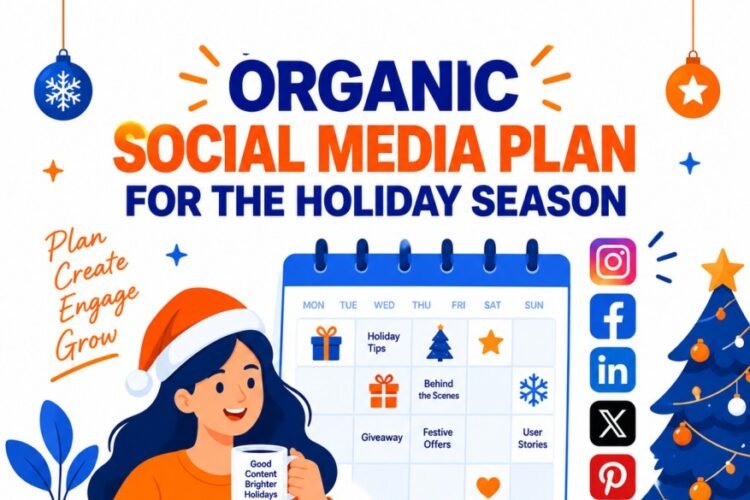
Every marketing team knows the dread: the calendar is empty, the deadline is Monday, and the ideas feel thin. Social media demands consistency — but consistency is hard when you’re also running campaigns, managing community, and reporting to stakeholders.
Claude can act as a strategic thought partner through the entire planning process — helping you clarify your goals, ideate content themes, draft posts for each platform, and build a monthly calendar you can actually execute. Here’s how to do it.
Why Claude, exactly?
Unlike template generators or scheduling tools, Claude reasons about your brand context. You can have a genuine back-and-forth: describe your audience, your product, your tone — and Claude will hold that context across the conversation to generate ideas that actually fit.
Contextual memory
Claude keeps your brand voice, audience, and goals in mind across the whole session.
Instant iteration
Didn’t like a post? Ask for three alternatives in a different tone in seconds.
Platform-aware
Claude understands format differences — LinkedIn long-form vs. Instagram captions vs. X hooks.
The 6-step planning workflow
Walk through these steps in a single Claude conversation. Each builds on the last.
Step 01 : Define your brand brief – Tell Claude who you are, who your audience is, and what you’re trying to achieve this month. The more specific, the better.
Step 02 : Set goals & KPIs
Awareness? Leads? Community growth? Claude will shape content strategy differently depending on your primary objective.
Step 03: Generate content pillars
Ask Claude for 4–6 recurring content themes that align with your goals. These become the backbone of your calendar.
Step 04 Build the monthly grid Request a structured 4-week calendar with post types, themes, and platforms mapped to each weekday.
Step 05 : Draft individual posts
Pick specific calendar slots and ask Claude to write ready-to-publish copy, tailored to each platform’s format.
Step 06 : Review & export
Ask Claude to compile everything into a table, or paste drafts into your scheduling tool of choice.
Sample prompts that actually work
The quality of your calendar depends largely on how you prompt. Here are three high-leverage examples:
Prompt 1 — Brand brief
“I run a sustainable skincare brand called Verdant. Our audience is women aged 25–40 who care about clean ingredients and eco packaging. Our tone is warm, knowledgeable, and slightly witty — never preachy. Help me plan May’s social content.”
Prompt 2 — Content pillars
“Based on that brief, suggest 5 recurring content themes for our Instagram and LinkedIn. For each, give a name, a one-line description, and 2 example post ideas.”
Prompt 3 — Monthly calendar
“Now build a 4-week posting calendar: Mon, Wed, Fri on Instagram; Tue, Thu on LinkedIn. Assign a content pillar and post type (educational, UGC, behind-the-scenes, promotional) to each slot. Output as a table.”
The key insight: treat Claude like a junior strategist who knows your brand deeply — not a vending machine for captions. The more context you give upfront, the less correcting you’ll do later.
Platform-by-platform tips
When asking Claude to draft posts, specify the platform. Each has different norms around length, tone, and format.
Instagram LinkedIn X / Twitter Facebook TikTok scripts YouTube Shorts
For Instagram, ask Claude to write a hook line, body copy (under 150 words), and 10–15 relevant hashtags. For LinkedIn, request a longer narrative with a strong opening line and a question to drive comments. For X, ask for a punchy tweet under 240 characters plus a thread version if the topic warrants it.
Common mistakes to avoid
Skipping the brief. If you jump straight to “write me 30 Instagram posts,” Claude has no brand context. You’ll get generic output. Spend five minutes on Step 01 — it saves hours of revision.
Accepting first drafts blindly. Claude’s first output is a strong starting point, not a final product. Paste a draft back and say “make this sound more like us” or “remove the salesy tone in line 3.” Iteration is where the magic happens.
Ignoring platform constraints. A LinkedIn post and an Instagram caption are fundamentally different. Always specify the platform — and ideally the character limit — when requesting copy.
Pro move: at the end of your session, ask Claude to summarize your brand voice, pillars, and posting schedule in a paragraph. Save it as a “brand brief snippet” and paste it at the start of every future session to restore context instantly.
What does a finished calendar look like?
After a focused 60–90 minute session with Claude, a typical output looks like: 5 named content pillars, a 4-week grid with 20–30 assigned slots, and 10–15 fully drafted posts ready for light editing. That’s roughly a full month of content — structured, on-brand, and ready to drop into Buffer, Hootsuite, or Notion.
The biggest shift is psychological: instead of staring at a blank calendar, you’re editing. And editing is dramatically faster than creating from scratch.