

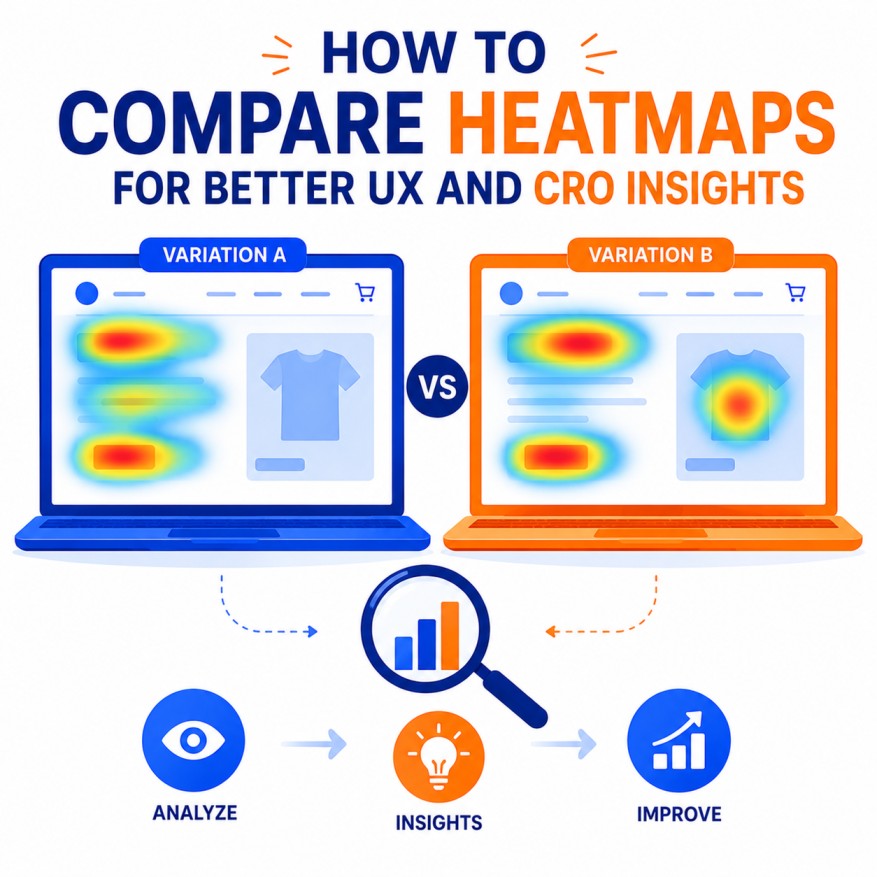
Heatmaps are one of the most powerful qualitative and quantitative tools in the Conversion Rate Optimization (CRO) and User Experience (UX) professional’s toolkit. They visually represent aggregated user behavior on a webpage — where people click, how far they scroll, where they move their mouse, and where they show frustration. While a single heatmap provides valuable insights, the real power lies in comparing multiple heatmaps to uncover patterns, validate hypotheses, measure the impact of changes, and drive data-informed decisions.
This exhaustive, highly detailed guide explores every aspect of heatmap comparison for superior UX and CRO results. It includes methodologies, step-by-step processes, tools, metrics, real-world examples, advanced techniques, integration strategies, common pitfalls, and future trends.
1. Why Comparing Heatmaps Is Essential for Modern CRO and UX
Single heatmaps give you a snapshot. Comparative analysis turns snapshots into stories and insights into actionable improvements.
Key Benefits of Heatmap Comparison:
- Identify what changed after a redesign, A/B test, or new feature launch.
- Discover behavioral differences between traffic sources (organic vs paid, desktop vs mobile).
- Segment behavior by user type (new vs returning, high vs low intent).
- Measure the effectiveness of CRO experiments objectively.
- Uncover hidden friction points that quantitative metrics (bounce rate, conversion rate) alone miss.
- Build stronger hypotheses for future tests.
- Justify design and development decisions to stakeholders with visual evidence.
Increasing competition and sophisticated user expectations, heatmap comparison has become a core competency for high-performing CRO teams.
2. Types of Heatmaps You Should Compare
Understanding the different heatmap types is crucial for meaningful comparisons:
- Click Heatmaps — Show where users click/tap (including dead clicks on non-clickable elements).
- Scroll Heatmaps — Reveal how far users scroll and where drop-off occurs.
- Mouse Movement / Hover Heatmaps — Indicate attention and interest areas (strong proxy for eye-tracking).
- Attention / Gaze Heatmaps — AI-powered predictions of where users look.
- Frustration / Rage Click Heatmaps — Highlight areas causing irritation (rapid clicking, shaking cursor).
- Mobile-Specific Touch Heatmaps — Critical for mobile UX analysis.
Best Comparison Combinations:
- Before vs After a design change.
- Desktop vs Mobile versions of the same page.
- Winning vs Losing variant in an A/B test.
- High-converting traffic source vs low-converting source.
- New users vs returning users.
3. Step-by-Step Guide to Comparing Heatmaps Effectively
Step 1: Define Clear Objectives
- What specific question are you trying to answer? (e.g., “Why is checkout completion low on mobile?”)
- Which pages and segments will you compare?
Step 2: Collect Reliable Data
- Ensure sufficient sample size (minimum 1,000–5,000 sessions per segment for statistical confidence).
- Use consistent time periods to avoid seasonality bias.
- Segment properly (device, source, user type, behavior).
Step 3: Choose the Right Tools
- Microsoft Clarity (free, excellent for side-by-side comparison).
- Hotjar (strong comparison features).
- FullStory, Contentsquare, or Quantum Metric (enterprise-level).
- Crazy Egg or Mouseflow.
Step 4: Set Up Side-by-Side Analysis
- Overlay heatmaps when possible.
- Use color intensity comparison (red = high activity).
- Compare absolute numbers and percentages.
- Look at relative differences (e.g., 40% drop in scroll depth).
Step 5: Analyze Patterns Systematically
- Compare click density on key CTAs.
- Measure scroll depth differences.
- Identify new dead clicks or frustration zones after changes.
- Correlate with quantitative metrics (conversion rate, bounce rate).
Step 6: Draw Insights and Hypotheses
- Turn observations into testable ideas.
- Prioritize fixes based on potential impact.
Step 7: Test and Validate
- Implement changes and run new heatmaps.
- Measure before-and-after performance.
4. In-Depth Analysis Techniques for Heatmap Comparison
Click Heatmap Comparison:
- Look for increases or decreases in primary CTA clicks.
- Identify “dead clicks” — users clicking non-interactive elements (sign of confusion).
- Compare click distribution on navigation, hero section, and trust elements.
Scroll Heatmap Comparison:
- Measure average scroll depth percentage.
- Identify “fold drop-off” points.
- Check if important content is below the fold in one variant.
Hover / Attention Comparison:
- High hover activity without clicks may indicate interest without clear next steps.
- Areas with low attention need stronger visual hierarchy.
Frustration Heatmap Comparison:
- New rage clicks after a redesign often reveal UX problems.
- Compare frustration on forms, checkout, or pricing sections.
Segmented Comparison Best Practices:
- Mobile vs Desktop (huge differences in behavior).
- Paid traffic vs Organic traffic (intent levels vary).
- High LTV customers vs new users.
- Geographic or demographic segments.
5. Real-World Examples and Case Studies
- E-commerce Product Page: Comparing before/after adding trust badges showed 35% more clicks on Add to Cart and 18% higher conversion.
- Checkout Flow: Mobile scroll comparison revealed 60% of users never reached the payment section → simplified layout increased completion by 42%.
- Homepage Hero: A/B test comparison showed one variant had 3x more engagement on the primary CTA.
- Lead Generation Form: Frustration heatmaps identified confusing field labels, leading to a 27% form completion lift.
6. Advanced Heatmap Comparison Techniques.
- AI-Powered Comparative Analysis: Tools that automatically highlight statistically significant differences.
- Time-Based Comparison: Analyze behavior changes over days/weeks.
- Funnel-Stage Heatmaps: Compare heatmaps at different stages of the customer journey.
- Cross-Device Synchronization: Compare the same user journey across desktop and mobile.
- Predictive Heatmaps: Forecast how changes might affect behavior before implementation.
7. Integrating Heatmap Comparison with Broader CRO
- Combine with A/B testing results.
- Use alongside session recordings for qualitative depth.
- Feed insights into landing page copywriting and design.
- Align with email marketing, remarketing, and ad creative strategies.
- Use for post-launch validation of new features.
8. Tools and Technology Stack for Heatmap Comparison
- Microsoft Clarity: Best free option with excellent comparison and segmentation.
- Hotjar: Strong for multiple heatmap overlays.
- FullStory: Enterprise-grade with powerful filtering.
- Contentsquare: Advanced AI insights and journey analysis.
- Custom Dashboards: Combine data from multiple tools in Looker or Tableau.
9. Common Mistakes in Heatmap Comparison
- Comparing insufficient sample sizes.
- Ignoring statistical significance.
- Focusing only on one heatmap type.
- Not segmenting data properly.
- Drawing conclusions without correlating with quantitative metrics.
- Failing to act on insights (analysis paralysis).
10. Best Practices and Pro Tips
- Always compare apples to apples (same time period, similar traffic quality).
- Document everything — create a heatmap comparison report template.
- Involve cross-functional teams (design, dev, marketing) in review sessions.
- Re-test after major changes.
- Focus on business impact, not just visual differences.
- Combine heatmaps with user surveys and interviews for deeper understanding.
11. Future Trends in Heatmap Comparison
- Real-time AI comparative analysis.
- Predictive modeling of heatmap changes.
- Greater integration with session replay and emotion detection.
- Cross-platform heatmap unification (web + app + email).
- Privacy-compliant aggregated behavioral data.
Conclusion: Make Heatmap Comparison a Core CRO Habit
Comparing heatmaps is not just a nice-to-have analysis technique — it is one of the highest-leverage activities in modern UX and CRO. By systematically comparing behavior across segments, tests, and time periods, you gain clarity that raw numbers alone cannot provide.
Start building this skill today:
- Install a robust heatmap tool (Microsoft Clarity is an excellent free starting point).
- Pick two key pages and set up comparison views.
- Analyze differences and create a list of testable hypotheses.
- Implement changes and measure impact with new heatmaps.
Mastering heatmap comparison will sharpen your ability to understand users, remove friction, and drive meaningful conversion lifts. In competitive digital landscape, the teams that deeply understand user behavior through comparative analysis will consistently outperform those who rely on guesswork or surface-level metrics.

Author