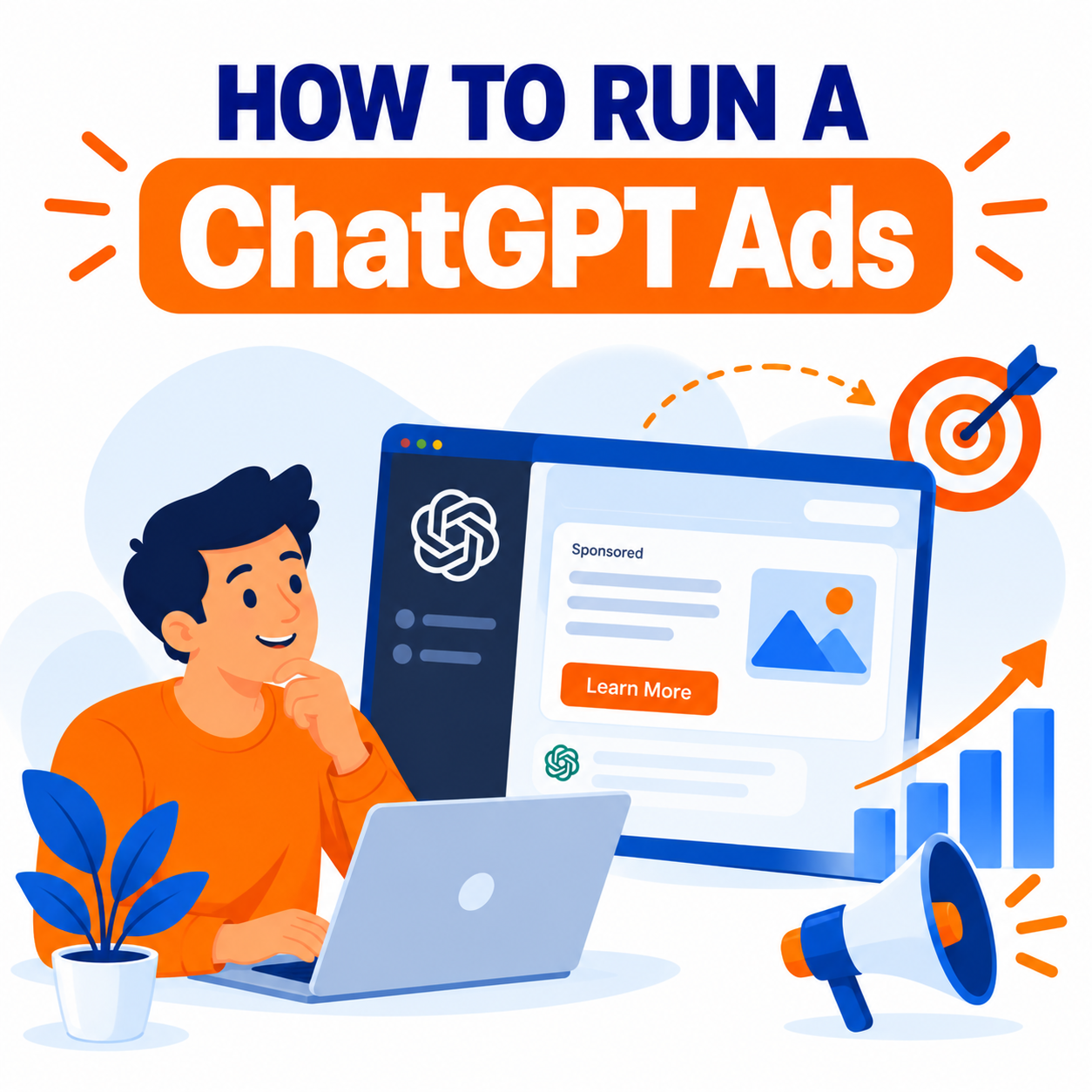
ChatGPT Ads represent one of the most significant new advertising channels of the mid-2020s. OpenAI introduced advertising in ChatGPT to support broader free and low-cost access while keeping the core answer experience independent of commercial influence. Ads appear as clearly labeled sponsored units, typically at the bottom of a relevant response, and are shown only to eligible users on Free and Go tiers. Higher paid plans (Plus, Pro, Business, Enterprise, Education) remain ad-free.
The platform has evolved rapidly. What began as a limited pilot with high minimum spends has become a self-serve Ads Manager accessible to a much wider range of businesses, with CPC and CPM options, conversion tracking, product feeds, context-based targeting, and growing integrations (including Shopify and HubSpot). This guide explains how ChatGPT Ads work and provides a detailed, practical walkthrough for launching and managing campaigns.
How ChatGPT Ads Work
Ads are matched to the context and commercial intent of a user’s conversation rather than exact-match keywords in the traditional search sense. When ChatGPT generates a response and the conversation shows relevant commercial interest, a sponsored card or unit can appear below the answer. The unit is visually separated and labeled “Sponsored.”
Key principles emphasized by OpenAI:
- Ads do not influence or alter the organic answers ChatGPT provides.
- User conversations remain private from advertisers; only aggregated performance data is shared.
- Ads are not shown on sensitive topics (certain health, mental health, politics, and other restricted categories) or to users identified or predicted as under 18.
- Users can often dismiss ads or learn why they are seeing them.
Formats have expanded from simple sponsored cards to support product feeds, richer creatives, and emerging experiences such as Sponsored Agents (where a user can optionally continue into a labeled conversation with a business-sponsored agent).
Eligibility and Access
Who can advertise
Eligible businesses that comply with OpenAI’s advertising policies. Restricted or prohibited categories commonly include adult content, certain financial services, gambling, tobacco, and other sensitive verticals. Policies continue to evolve, so always review the latest guidelines. Some previously restricted categories (for example, aspects of legal services) have seen limited allowances.
Who sees the ads
Primarily logged-in (and in some cases logged-out) adult users on Free and Go plans. Paid higher tiers do not receive ads. This means reach is concentrated among free and lower-tier users.
Geographic availability
Rolled out progressively. Core markets have included the United States, Canada, United Kingdom, Australia, New Zealand, Japan, South Korea, and expansions into additional countries such as Mexico and Brazil, with further growth ongoing. Advertiser access via self-serve and partners tracks these markets.
Access routes
- Self-serve Ads Manager at ads.openai.com (opened more broadly from May 2026 onward, with low daily budget minimums such as $25 in many cases).
- Agency and technology partners (major holding companies and platforms such as Adobe, Criteo, and others).
- Native integrations (Shopify app for merchants, HubSpot for CRM-connected workflows).
Agencies typically need to be invited or added to an advertiser-owned account rather than creating the primary account themselves.
Step-by-Step: How to Set Up and Run a ChatGPT Ads Campaign
1. Confirm eligibility and prepare account details
Gather legal business name, tax ID (e.g., EIN), payment method, brand assets (logo/favicon), and ensure your category is permitted. Review current ad policies thoroughly.
2. Create and verify your advertiser account
Go to the OpenAI Ads Manager, register or sign in with a work email, complete verification, add billing, and set up any team access. Authentication and domain-related setup may be required for proper tracking later.
3. Install measurement infrastructure
Before heavy spending, implement the conversion pixel on your site and, ideally, the Conversions API for server-side events. This enables better optimization toward conversions and more reliable reporting. Connect any relevant first-party data or product catalog if using feed-based campaigns.
4. Choose campaign structure and objective
Campaigns follow a familiar hierarchy: Campaign → Ad Group → Ad.
Objectives typically include:
- Reach (often CPM-based, focused on impressions and visibility)
- Clicks (CPC-based, focused on traffic)
- Conversions (where available and properly tracked)
Select the objective that matches your goal. Do not mix conflicting objectives in ways that dilute learning.
5. Define targeting
Targeting centers on conversation context rather than classic keyword lists:
- Context hints / situational descriptions that describe the types of conversations where your offer is relevant.
- Geographic targeting (country, region, more granular options where available).
- Custom audiences from first-party data uploads (subject to match-rate and minimum-size requirements).
- Negative exclusions and other refinements.
- Product feeds for catalog-driven or shopping-style campaigns.
Write context hints as natural descriptions of buyer situations and intent rather than forcing exact keyword syntax. The system uses conversation understanding plus landing-page signals in many cases.
6. Create ad creative
Ads are generally compact sponsored cards. Common elements include:
- Headline (character limits apply, often relatively short)
- Description or body text
- Image (square or specified dimensions, minimum resolution requirements)
- Destination URL / landing page
- Optional additional assets or product details for feed campaigns
Creative should feel relevant to the conversational context, clear, and trustworthy. Because the placement sits after a helpful AI response, alignment between the conversation topic, ad message, and landing page is especially important. AI-assisted creative tools inside Ads Manager or ChatGPT can help generate and refine copy and imagery from a brief or landing page.
7. Set budgets, bids, and pacing
Daily or lifetime budgets are available. Early observed CPC ranges have often fallen roughly in the $2–$5 area depending on category and competition (directional only—actual costs vary). CPM options exist for reach-focused work. Set maximum bids appropriately; very low bids may limit delivery. Monitor pacing and adjust.
8. Review, submit, and launch
Complete policy review, preview the ad experience where possible, submit for approval, and launch. Start with controlled budgets while you gather performance data and refine.
9. Monitor, optimize, and iterate
Track impressions, clicks, CTR, conversions, cost metrics, and downstream performance. Use context-hint performance, creative variants, landing-page relevance, and audience signals to improve. Leverage any AI recommendations available in the platform. Expand successful themes and pause underperformers.
Best Practices for Strong Performance
- Prioritize relevance between conversation context, ad creative, and landing page.
- Write clear, benefit-oriented, non-clickbait copy that fits a conversational environment.
- Test multiple context hints and creative variants.
- Ensure landing pages load quickly, match the ad promise, and are mobile-friendly.
- Implement robust conversion tracking from the start.
- Respect policy boundaries—sensitive topics and restricted categories will not deliver or may be rejected.
- Start with learning budgets and scale only after positive signals.
- Consider the audience composition (skewed toward Free/Go users) when setting expectations for demographics and intent.
- Use product feeds where relevant for ecommerce.
- Coordinate with broader marketing (search, social, email) rather than treating ChatGPT Ads in isolation.
- Stay current with platform updates—formats, targeting options, AI tools, and market availability continue to expand.
Measurement and Attribution Considerations
OpenAI provides performance reporting within Ads Manager. Because conversations are private, advertisers receive aggregated metrics rather than individual-level conversation data. Combine platform reporting with your own analytics, pixel/CAPI data, and any UTM or server-side tracking for a fuller picture. Attribution windows and models should be defined clearly, especially when comparing to search or social channels.
Emerging features such as Sponsored Agents can extend the post-click experience into a guided conversation, potentially improving qualification and conversion for complex offers.
Limitations and Realistic Expectations
- Reach is limited to Free and Go users (not the highest-paying subscriber segments).
- Inventory and competition levels are still maturing compared with established platforms.
- Context-based matching requires thoughtful creative and targeting strategy; it is not a direct keyword replica of Google Ads.
- Policy and review processes exist and can affect launch speed.
- Costs and CPMs/CPCs vary; early data points should be treated as directional.
- Not every vertical or use case will perform equally well.
ChatGPT Ads work best when the offer naturally fits moments of research, comparison, recommendation-seeking, or decision-making inside conversations.
Integrations and Advanced Options
- Shopify: Native app support for product catalog campaigns and management.
- HubSpot and other CRM connections for lead handling and context.
- Agency and ad-tech partner buying paths for larger or more complex needs.
- AI-assisted campaign creation and optimization tools inside the ecosystem.
- Ongoing expansion of formats (including conversational extensions).
Getting Started Checklist
- Verify business eligibility and review current ad policies.
- Create and verify Ads Manager account with billing.
- Install pixel and Conversions API.
- Define clear objective (Reach, Clicks, or Conversions).
- Prepare context hints that describe relevant conversation situations.
- Build compliant creative and strong matching landing pages.
- Set conservative initial budgets and bids.
- Launch, measure, and iterate based on real performance data.
- Monitor platform updates and new features.
Conclusion
Running ChatGPT Ads involves understanding a conversation-first environment where commercial messages appear after helpful AI responses and must remain clearly separated from them. Success depends on relevance, clear creative, proper tracking, policy compliance, and continuous optimization rather than simply porting search or social tactics unchanged.
With self-serve access, lower entry budgets, CPC options, measurement tools, and growing integrations, the channel is now practical for a wide range of businesses willing to test and learn. Treat early campaigns as structured experiments: start focused, measure rigorously, refine context and creative, and scale what works. As the platform continues to evolve—with richer formats, better AI assistance for advertisers, and broader geographic reach—the opportunity to reach users at moments of genuine intent inside ChatGPT will only expand.

Author